

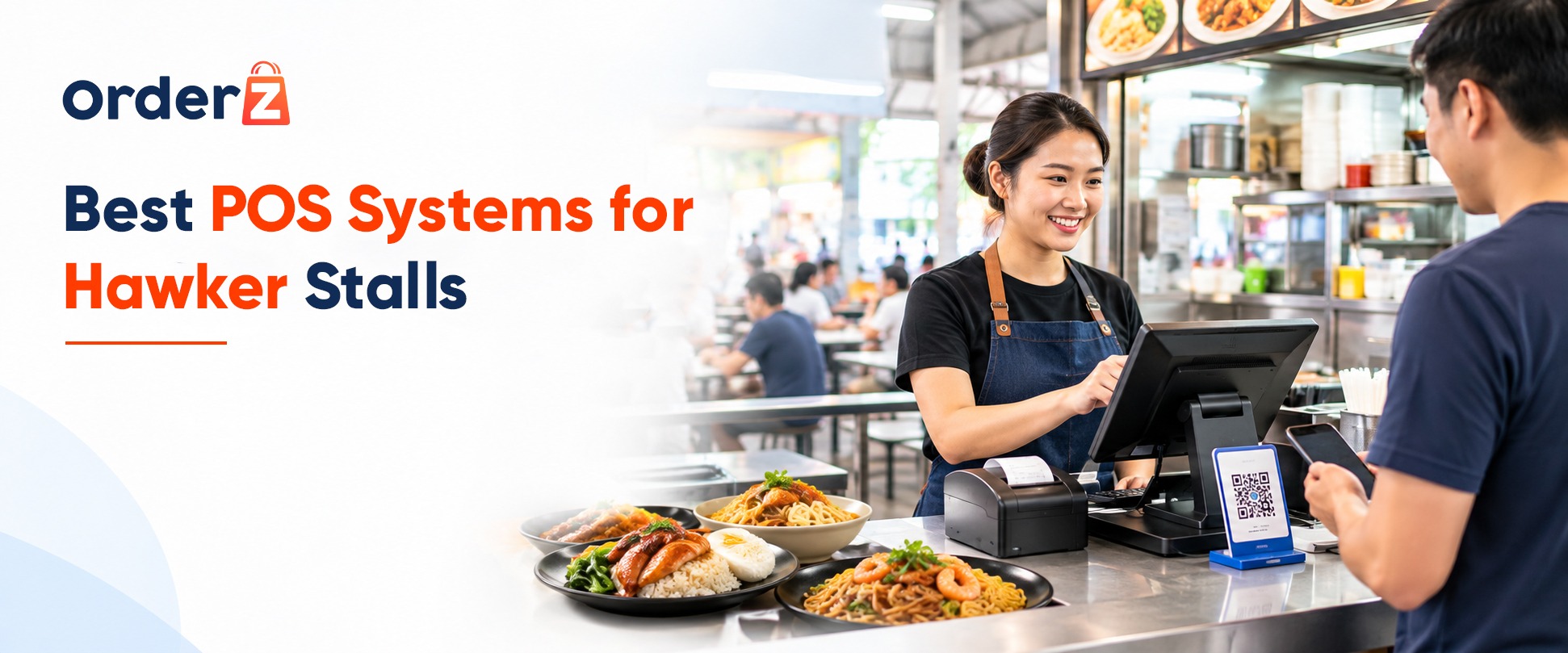
Hawker POS System Singapore: The Practical Guide for Stall Owners
Running a busy hawker stall in Singapore requires a reliable hawker POS system to manage billing, orders, and payments efficiently.
Your entire business runs within a compact three-by-three metre stall. You work alongside boiling soup cauldrons, deep fryers, and high-heat wok burners. During the 11:45 AM to 1:30 PM lunch rush, fifty hungry office workers line up in front of your counter. You have ten to fifteen seconds per customer to take the order, confirm takeaway or dine-in, prepare the dish, collect payment, and count change.
In this environment, a bulky restaurant POS system designed for full-service table dining—with large desktop towers, sprawling tangle of cables, and multiple separate payment machines—is worse than useless. It eats up precious prep counter space, overheats near the burners, and slows down your queue.
Yet, relying on an old-fashioned cash tin and a taped-on paper QR sticker is no longer sustainable either. Younger diners rarely carry cash, counting coins with greasy hands creates hygiene concerns, and manual end-of-day cash reconciliation leaves room for errors.
Here is a practical guide on what to look for when choosing the best POS for your hawker stall or food court , and how modern compact systems help stallholders serve faster with less counter clutter.
4 Challenges a Hawker POS System Singapore Stall Owners Face
Before comparing hardware options, any POS considered for a Singapore hawker stall must successfully address four operational realities:
The Traditional Hawker Counter Problem
3m Counter ──► Cash Tin + Bank Card Reader + NETS Machine + Static SGQR Standee + Paper Chits
RESULT: Zero prep space, tangled power cords, cashiers squinting at diner phone screens.
The Modern Consolidated Hawker POS Setup
3m Counter ──► 1 Single Compact All-in-One Terminal (Screen + Built-In Receipt Printer + Integrated PayNow/NETS/Cash)
RESULT: Clear counter, one-touch order entry, instant cashless confirmation, fast queue movement.
1. The 3-Metre Stall Counter Space Constraint
Every square centimetre of your front counter is vital real estate. You need room for condiment trays, soup bowls, takeaway containers, and utensil caddies.
- The Requirement: A hawker POS must have a minimal countertop footprint. The ideal setup is an all-in-one terminal with a built-in high-speed thermal receipt printer, powered by a single wall plug, eliminating separate external printer boxes, bulky computer towers, and messy extension cords.
2. Extreme Heat, Steam, and Grease Exposure
Hawker centres are naturally ventilated, humid, and exposed to airborne cooking oil and steam from dishwashing sinks and steamers.
- The Requirement: Domestic consumer tablets (like thin plastic home iPads) frequently overheat, freeze, or suffer from touchscreens that become unresponsive when touched by flour-dusted or damp fingers. Commercial hawker hardware requires sealed screen bezels, high-brightness displays readable under fluorescent stall lighting, and robust passive cooling.
3. Payment Method Fragmentation (Cash + PayNow + NETS)
Singapore hawker patrons span all demographics:
- Elderly residents paying with S$2, S$5, and S$10 physical notes.
- Working professionals and students tapping PayNow QR or NETS on their mobile banking apps.
- Tourists tapping contactless credit cards (Apple Pay, Visa, Mastercard).
When a stall uses separate devices for each payment type, the cashier spends half their time reaching across the counter swapping machines. The best hawker POS unifies cash calculation, dynamic PayNow display, and card processing into a single integrated terminal screen.
4. 3-Second One-Touch Order Entry
Hawker menus are concise—typically five to fifteen signature items with straightforward add-ons (e.g., Chicken Rice: Regular S$4.50, Large S$5.50, Add Braised Egg S$0.80, Add Roast Pork S$2.50).
- The Requirement: Cashiers cannot afford to tap through complicated multi-level menus. The interface must feature large, colorful, one-touch preset buttons on the main screen, allowing an order to be rung up and totaled in under three taps.
Hawker POS System Singapore: Cashless Payment Solutions
Many hawker stalls began their cashless journey by pasting an SGQR paper sticker on their glass sneeze guard. While virtually free to set up, static stickers cause severe friction during peak lunchtime queues:
- Manual Amount Typing: The customer must open their bank app, scan the sticker, and manually type the dollars and cents. In a noisy queue, diners frequently ask: “Uncle, how much again?”
- Visual Phone Inspection: The stallholder must stop dishing out food, lean over, wipe their hands, and inspect the customer’s phone screen to verify the date, time, and transfer amount.
- Risk of Underpayment: An accidental typo (e.g., typing S$4.00 instead of S$4.50) often goes unnoticed during the rush, leading to daily revenue leakage.
The Integrated POS Advantage
With an integrated terminal like OrderZ Hawker POS, selecting “PayNow” instantly displays a dynamic QR code on the customer-facing screen for the exact payable total. The customer simply scans and confirms. The bank API verifies the payment in one to two seconds, the terminal chimes, and a receipt auto-prints—allowing the stallholder to plate the food without ever touching the customer’s phone.
Best POS Hardware for Singapore Hawker Stalls
| Hardware Factor | Consumer Tablet & Stand | Separate Desktop PC | All-in-One Compact Terminal |
|---|---|---|---|
| Counter Footprint | Moderate (Separate stand & printer) | Very Large (Unusable in a 3m stall) | Ultra-Compact (Single unit) |
| Durability | Low (Batteries swell in heat) | Moderate (Fans suck in grease) | High (Commercial-grade) |
| Cabling | Multiple cables | Spaghetti wiring (4–5 plugs) | Single Power Cable |
| Built-in Printer | No (Requires external box) | No (Separate bulky box) | Yes (Built into base) |
| Payment Reader | No (Requires bank terminal) | No (Requires multiple PIN pads) | Yes (Integrated PayNow & card) |
Hawker POS System: Simplifying Daily Sales Reports
At 9:00 PM, after standing over a hot stove for twelve hours, the last thing any hawker wants is to spend an hour manually counting a cash tin, cross-referencing bank portal transfers, and deciphering handwritten order chits.
A modern hawker POS simplifies closing down:
- The Starting Float: In the morning, enter your opening cash float (e.g., S$100 in S$2 notes and coins).
- Real-Time Split Breakdown: Throughout the day, the POS categorizes every sale by payment type: Cash, PayNow, NETS, or Card.
- Instant Z-Report: At closing, tap “End Shift”. The terminal automatically prints a consolidated summary showing exact expected cash in the drawer, total digital transfers received, and total portions sold per menu item.
- Food Court Tenant Reporting: For stalls operating in commercial food courts (such as Kopitiam, Food Republic, or Koufu) where operators require Gross Turnover (GTO) reporting, digital end-of-day reports eliminate tenant-landlord revenue reconciliation disputes.
5 Questions to Ask Before Choosing a Hawker POS System
- “Can this terminal survive without an internet connection?”
(Verify that the system features true offline POS mode so cash sales and receipt printing continue if the hawker centre Wi-Fi drops). - “Does it have preset quick-cash buttons?”
(Check that the screen has one-touch buttons for S$5, S$10, and S$50 notes, instantly showing change due). - “Are receipts compliant with Singapore 9% GST?”
(If your business is GST-registered, ensure the system automatically prints IRAS-compliant receipts with your GST registration number). - “Does it require a long multi-year locked-in contract?”
(Avoid opaque vendors who lock small stalls into expensive multi-year maintenance retainers; look for transparent, flexible software). - “Can I add customer-ordering features later?”
(Check if the system supports optional self-ordering QR menus or kitchen order tickets if you expand to multiple stalls).
Choose the Right Hawker POS System Singapore Businesses Need
Clear your counter of cluttered machines, speed up peak lunch queues, and eliminate nightly reconciliation stress.
OrderZ Hawker Stall Management gives Singapore stallholders and food court operators compact, durable hardware, rapid dynamic PayNow QR and cash checkout, and automated daily sales reports in one simple, affordable platform.
Ready to serve faster and streamline your stall?
👉 Book a Free Live Demo with the OrderZ Singapore Team
Sources & Research
- National Environment Agency (NEA) — Hawker Centres and Markets Management Guidelines: https://www.nea.gov.sg/
- Singapore Food Agency (SFA) — Food Stall Licensing & Hygiene Guidelines: https://www.sfa.gov.sg/
- Infocomm Media Development Authority (IMDA) — Hawkers Go Digital Initiative: https://www.imda.gov.sg/
- Inland Revenue Authority of Singapore (IRAS) — GST Guide for Food Businesses: https://www.iras.gov.sg/